
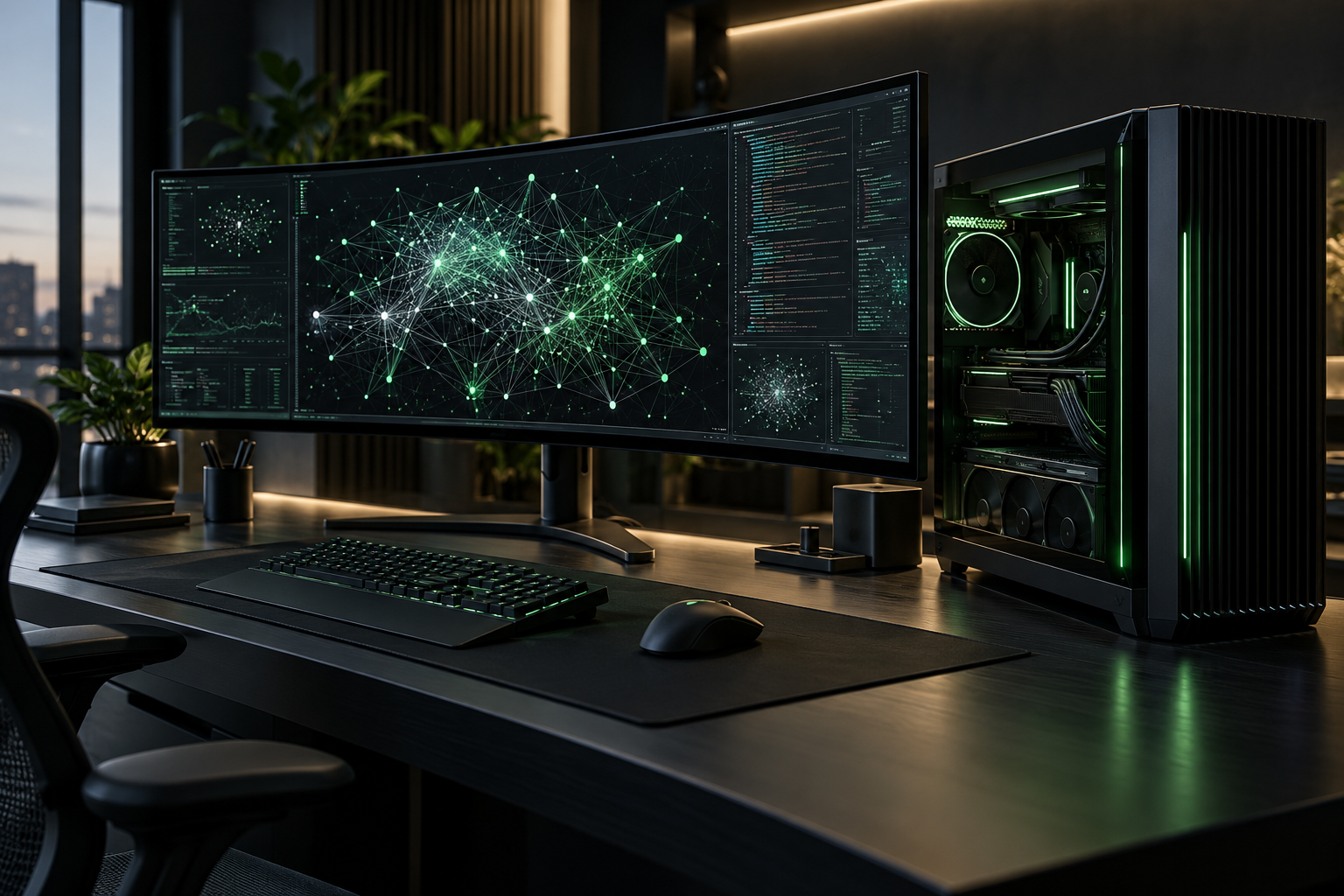
Developers who have been renting cloud GPUs by the hour just got a deskside alternative that claims to eliminate the queue. The NVIDIA DGX Station, built around the new GB300 Grace Blackwell Ultra Desktop Superchip, packs up to 20 petaFLOPS of AI performance and 748 GB of coherent memory into a chassis that sits next to your monitor. For developers building large language models, fine-tuning proprietary datasets, or running inference on billion-parameter models, the DGX Station represents a fundamental shift in how AI workloads can be handled.
That memory figure is worth pausing on. At 748 GB of unified CPU-plus-GPU memory, a single DGX Station can load models with up to one trillion parameters without the sharding gymnastics that smaller workstations demand. The GB300 connects its Blackwell Ultra GPU and Grace CPU via NVLink-C2C, so data does not have to make the slow round-trip across PCIe that bottlenecks traditional desktop setups. For developers, this means a single machine can hold an entire model in memory — no distributed training frameworks, no multi-node orchestration, no networking overhead.

Why the architecture matters for developers
The GB300 Grace Blackwell Ultra Desktop Superchip is not a conventional CPU-GPU pairing. The Grace CPU and Blackwell Ultra GPU are connected via NVLink-C2C, an interconnect that delivers coherent memory access between the two processors. In a standard workstation, the CPU and GPU communicate over PCIe, which creates a bandwidth bottleneck and requires explicit data copies between host and device memory. NVLink-C2C eliminates that bottleneck by presenting a single unified memory space to both processors.
For developers, this has practical implications. When training a large model, you do not need to manage memory staging between CPU and GPU. When running inference, the entire model and its working set can reside in the same memory pool. When preprocessing data, the CPU can operate on tensors that the GPU will use without copy overhead. The 748 GB of coherent memory is not merely a capacity figure — it is a unified address space that simplifies the programming model and removes one of the biggest friction points in AI development.
What developers actually get in the box
NVIDIA is not selling a bare-metal board. The system ships preloaded with Ubuntu and the full NVIDIA AI Developer Tools stack, including CUDA-X libraries. That means the first-day experience is closer to a cloud notebook instance than a kit-build PC. For enterprises, an optional NVIDIA AI Enterprise license adds support, production-branch drivers, and eventually NIM microservices (planned for June).
The hardware specs read like a small cluster:
- Compute: GB300 Grace Blackwell Ultra Superchip with Blackwell Generation Tensor Cores
- Memory: 748 GB coherent shared memory pool
- AI performance: Up to 20 petaFLOPS
- Networking: NVIDIA ConnectX-8 SuperNIC at 800 Gb/s
- Expansion: Optional RTX PRO Blackwell GPU for ray-traced visualization
- Management: BMC, Redfish API, DCGM telemetry, secure boot
The management features deserve attention. BMC, Redfish API, and NVIDIA DCGM give IT teams visibility, monitoring, and remote management capabilities. Hardware root of trust and enterprise secure boot help keep systems protected throughout their lifecycle. For developers working in enterprise environments, this means the DGX Station can be deployed under standard IT governance rather than as a shadow-IT workaround.
FP4 precision and what it enables
The Blackwell Generation Tensor Cores introduce support for 4-bit floating point (NVFP4), a precision format that increases the effective memory capacity and compute throughput for inference workloads. By representing weights and activations in FP4 instead of FP8 or FP16, developers can fit larger models into the same memory footprint or run more concurrent inference streams. The trade-off is precision, but NVIDIA claims that FP4 maintains accuracy for many inference scenarios while delivering substantial performance gains.
For developers, this means the DGX Station can serve models that would otherwise require multiple GPUs or cloud instances. A 70-billion-parameter model that might consume 140 GB in FP16 could fit in approximately 35 GB in FP4, leaving substantial headroom for context windows, batching, or concurrent users. The implication is that a single deskside machine can handle production inference loads that would previously have required a small cloud cluster.
Developer workflow: local compute vs. cloud rental
The developer experience on a DGX Station differs from cloud workflows in several ways. The preinstalled software stack means the first day is productive rather than spent on environment setup. CUDA, cuDNN, TensorRT, and the broader NVIDIA ecosystem are already present and optimized for the hardware. Developers can move from experimentation to training to deployment without managing driver versions or compatibility matrices.
Local development also changes the iteration loop. In a cloud environment, every code change requires uploading data, waiting for instance provisioning, and paying for idle time. On a local workstation, the iteration loop is immediate: edit code, run training, inspect results, repeat. For debugging and experimentation, this immediacy can accelerate development substantially. A developer can test a hypothesis in minutes rather than hours.
Data privacy is another factor. Organizations handling sensitive data — healthcare records, financial transactions, proprietary research — often face compliance constraints that make cloud processing difficult or impossible. The DGX Station keeps all data on-premise, under the organization’s physical and logical control. For developers working with regulated industries, this removes a significant barrier.
From cloud rental to local ownership
For a developer, the economic argument is straightforward: instead of reserving cloud GPU time, waiting in queue, and worrying about data egress, the entire workflow stays local. Source code, training data, checkpoints, and model weights never leave the box. The shift from operational expense to capital expense changes how teams budget for compute resources.
The cost comparison is more nuanced than a simple per-hour calculation. Cloud GPU instances charge for compute, storage, networking, and data egress. A developer running sustained workloads — fine-tuning a model over weeks, running iterative experiments, or serving a model in production — can accumulate substantial cloud bills. The DGX Station converts that operational expense into a capital expense. Whether that math works depends on utilization: a machine that sits idle most of the day is expensive, but one that runs continuous training or inference workloads can amortize its cost over months rather than years.
The ConnectX-8 SuperNIC adds another angle. At 800 Gb/s, it supports linking two DGX Stations together. A two-node deskside setup doubles the memory pool and compute headroom, scaling to even larger models or multi-user team scenarios without moving workloads to a data center. For a team of developers, this creates a shared resource that replaces individual cloud allocations.
Real-world scenarios: what developers can actually run
The theoretical specifications are impressive, but what matters is what developers can actually accomplish. A 70-billion-parameter model that might consume 140 GB in FP16 could fit in approximately 35 GB in FP4, leaving substantial headroom for context windows, batching, or concurrent users. This means a single DGX Station can serve production inference loads that would previously have required a small cloud cluster.
For fine-tuning, the 748 GB memory pool allows developers to work with larger batch sizes and more complex architectures without model parallelism. A developer fine-tuning a Llama-3 70B model on a proprietary dataset can load the entire model, the optimizer states, and the training data into a single machine. This simplifies the training pipeline and reduces the engineering overhead of distributed training.
For inference serving, the DGX Station can handle multiple concurrent requests to a large model without the latency variability of cloud instances. When a developer deploys a model for internal use, response times are consistent and predictable because the hardware is dedicated rather than shared.
Who is this actually for?
NVIDIA’s early-adopter quotes point to three groups:
- Research labs that need on-demand access to data-center-class machines without the scheduling overhead
- AI startups whose burn rate includes a line item for cloud GPU quotas
- Enterprise R&D teams that need to iterate on proprietary data without uploading it to third-party infrastructure
The DGX Station is not cheap, and NVIDIA is positioning it through partners rather than as a direct-to-consumer product. But for developers who have been treating cloud GPUs as a utility bill, the shift from OpEx to CapEx — combined with the latency and privacy benefits of local compute — may be the more interesting story than the raw spec sheet.
The broader context: local AI is having a moment
The DGX Station arrives at a time when the AI industry is reconsidering the cloud-first assumption. As models become more capable and edge hardware more powerful, the case for local inference strengthens. Frameworks like llama.cpp, vLLM, and TensorRT-LLM have made it possible to run surprisingly large models on consumer hardware. The DGX Station extends that trend to the professional and enterprise tier.
For developers, the question is not whether local AI is possible — it is whether local AI at this scale is practical. The DGX Station argues that it is. With one trillion parameters fitting into a single memory pool, the boundary between “local” and “cloud” compute becomes less about capability and more about economics, compliance, and workflow preference. The machine does not replace the cloud, but it gives developers a genuine alternative for workloads where locality matters.

